11 november 2026 · düsseldorf
Desk Pod
A printed handle with an AirPod inside, and a small Mac app that uses the motion without guessing.
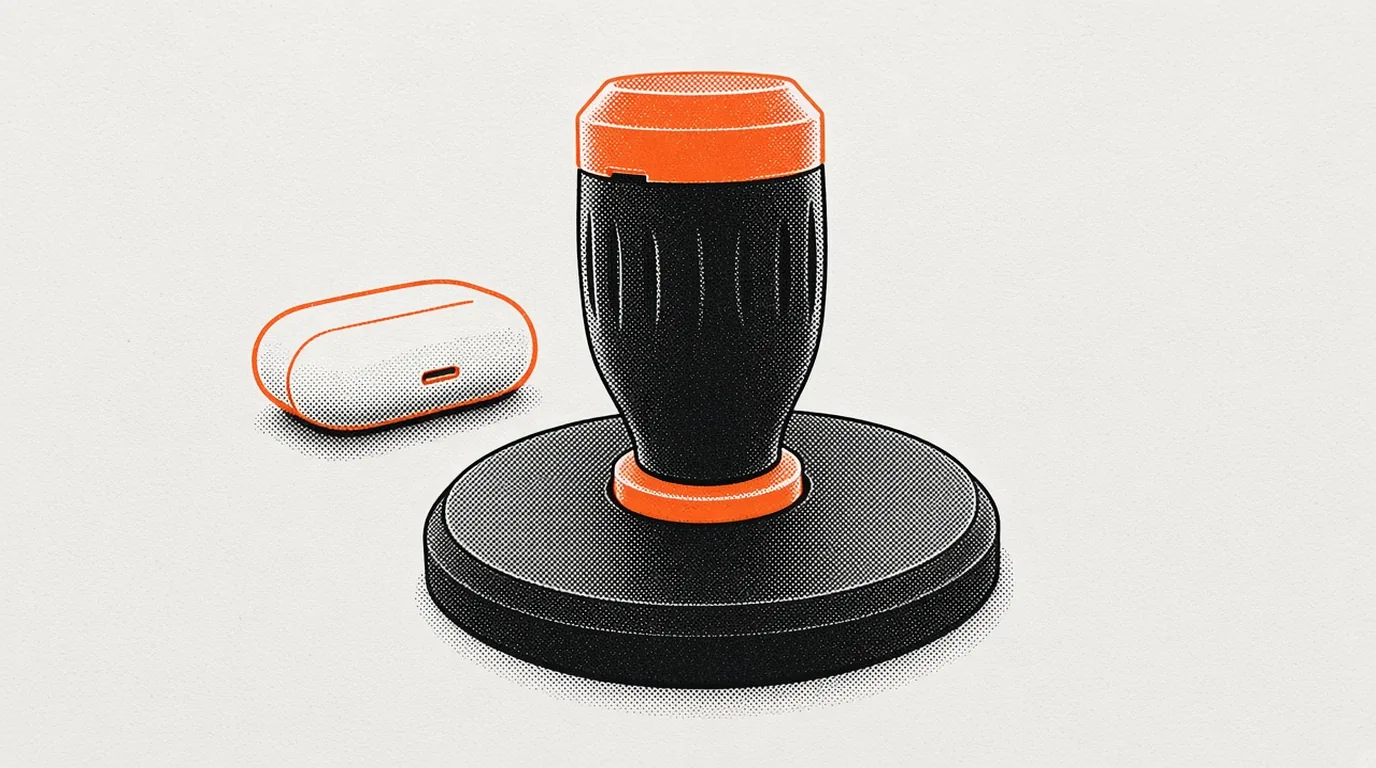
The motion sensor was already mine. A leftover AirPod Pro. It stays intact, and it comes back out of the handle. The work was a shape the hand wants to hold, then a small Mac app that uses the motion without guessing.
The first shape I accepted did not stay. The one that did is a fluted handle on a round puck, and a window that treats the handle as a map.
From the wheel
On 5 November I printed a thumb-wheel and accepted it. I left it. The AirPod's weight turned the wheel into a pendulum. A free spin has no compass, so the turn count drifts.
On 6 November I picked Joystick A, the magnet rocker, over the spring ball. The dock in that design still held the charging case. Later that day the case kept sliding out, so the dock became the round puck, and the case sits beside it.
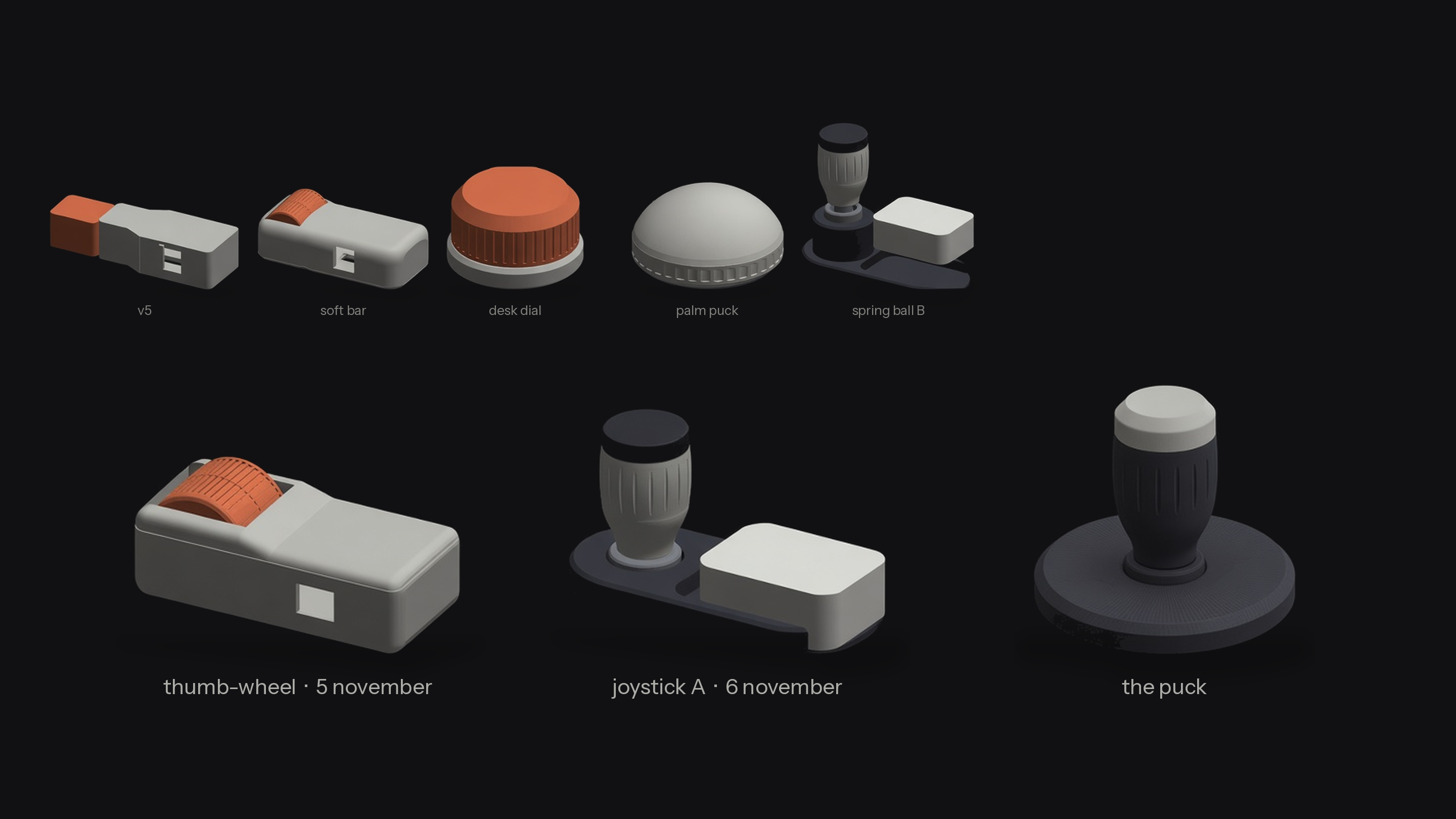
The handle
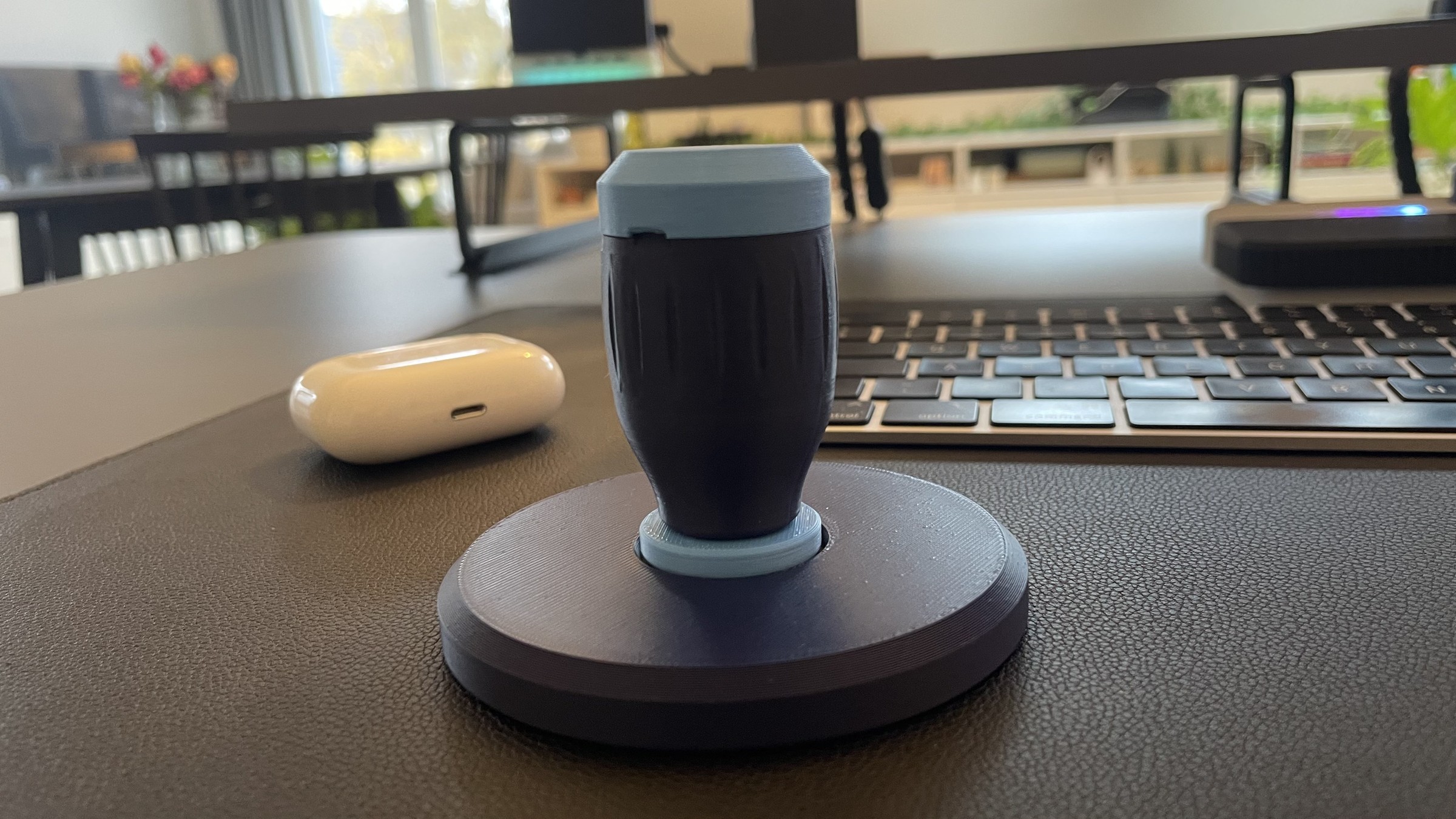
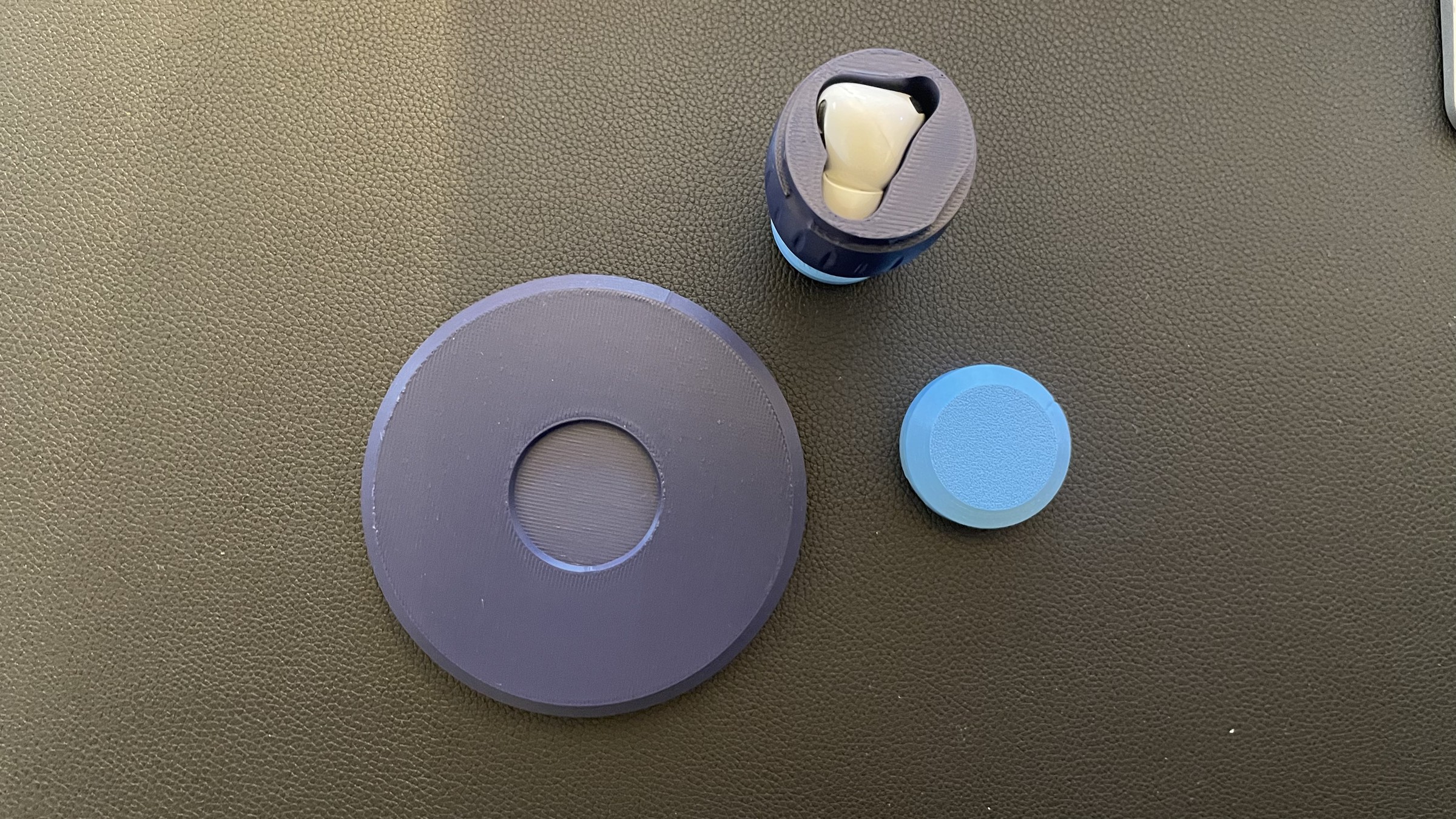
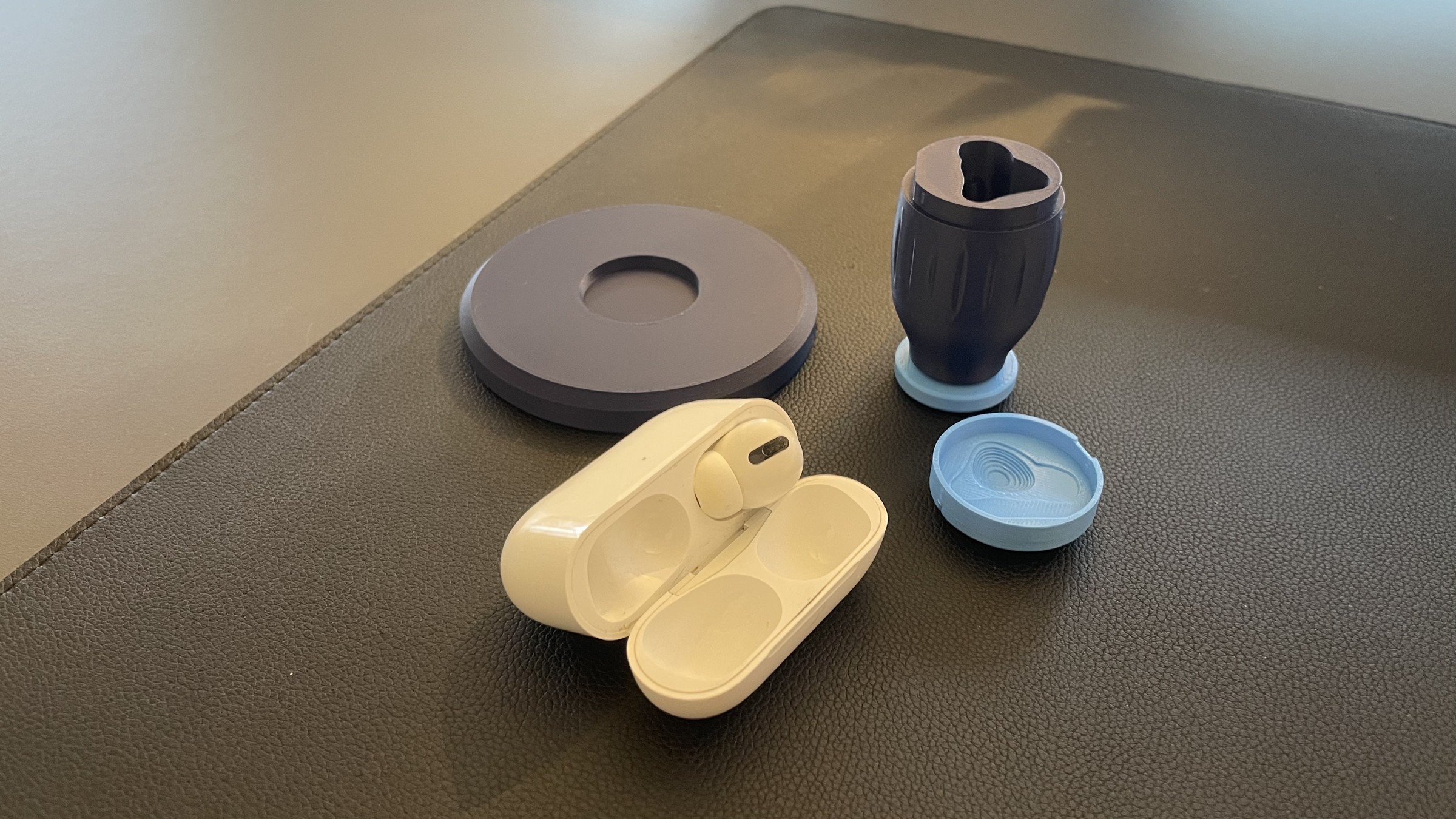
What got printed is a dark blue fluted handle, a light-blue cap and collar, and a dark blue round puck. The nest takes the left earbud, stem down. The cap snaps over it.
The window
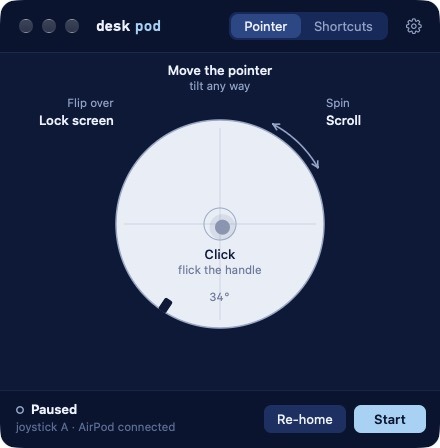
The app is one window, titled desk pod. It opens paused. Before it will steer, it runs four steps and keeps what it sees: Connect, Spin, Let go, Tilt right.
The modes are Pointer and Shortcuts. The circle is a top-down map of the handle.
In Pointer, tilt steers. Spin scrolls. A flick of the handle is the click. Re-home zeroes the turn. Flip the handle over and the screen locks. Shortcuts uses the spin to cycle apps, and a tilt or a flick can be assigned. The lock works in either mode.
The shot is paused. The status line reads joystick A, AirPod connected.
I sign the package locally. There is no release. It needs the accessibility permission.
The clip
The clip is from 7 November. It runs under a minute, with no narration.
I seat the AirPod stem-down, snap the cap, and set the handle on the spindle. Tilting the handle moves the white dot in the circle with it. In this take the cursor is not taken over. A flick downward hides the window. A press on the cap brings the window back. The click, in the app, is still a flick of the handle.
Flicks left and right switch desktops, and then again. I spin the handle on the spindle. The clip does not show a scroll. At the end I lift the handle off the puck and lay it on its side. That is not the flip that locks the screen.